How to Test Output Voltage on Portable Power Station
Accurate voltage testing ensures your generator safely powers sensitive electronics. Follow professional diagnostic protocols to verify device performance.

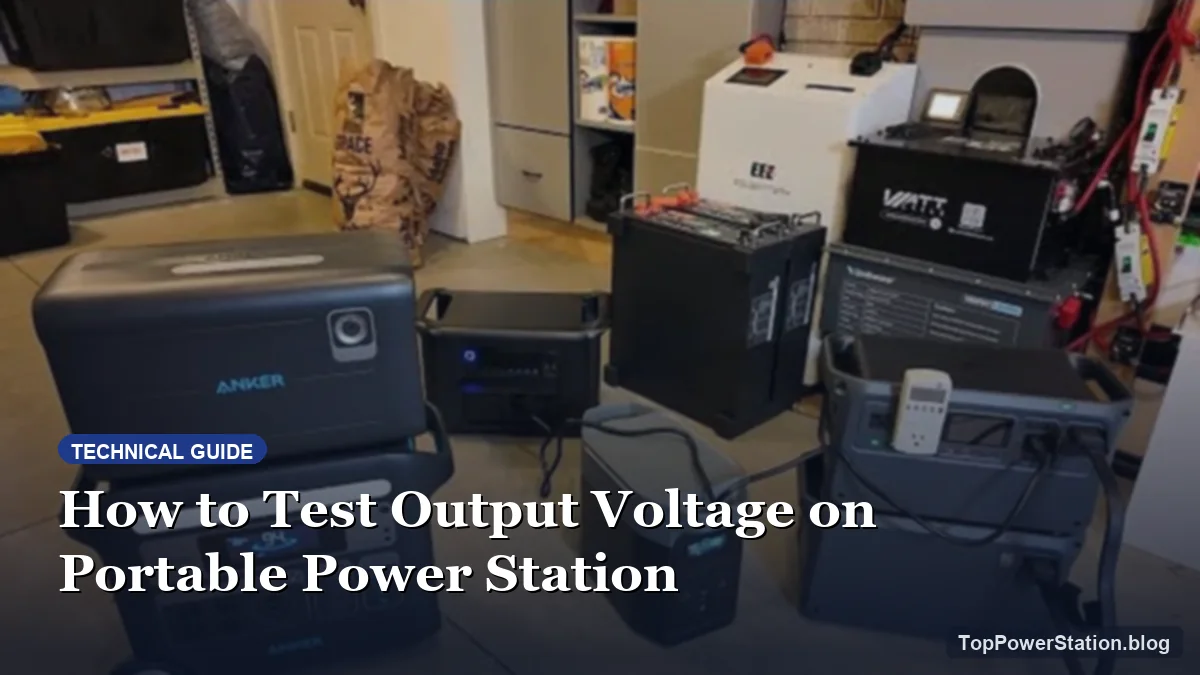
Always use a calibrated digital multimeter set to the correct AC or DC range. Verify insulation ratings before probing live generator terminals to prevent equipment damage or personal injury.
Ready to compare models? Start with our Best Portable Power Station: Top Backup & Off-Grid Picks.
Practical Quick-Reference Table
| Scenario / Metric | Recommended Target | Why It Matters |
|---|---|---|
| AC Household Outlet | 110V to 120V AC | Ensures safe appliance operation |
| DC Car Port | 12V to 13.8V DC | Protects sensitive 12V electronics |
| USB-C Power Delivery | 5V to 20V DC | Verifies fast charging protocols |
| Multimeter Category | CAT III 600V minimum | Guarantees technician safety |
| Frequency Accuracy | 50Hz or 60Hz stable | Prevents motor overheating |
| Acceptable Deviation | Within plus minus 5 percent | Identifies failing inverter boards |
Essential Multimeter Preparation and Safety Checks
Before testing any best portable power station for home backup, inspect your multimeter probes for visible cracks. Damaged insulation creates severe electrical shock hazards during live diagnostic procedures.
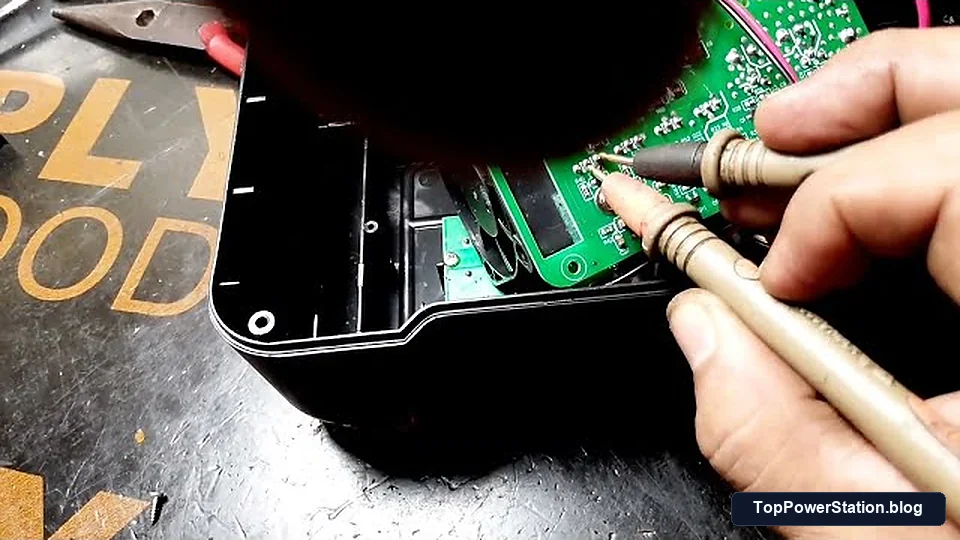
Ensure your digital multimeter features proper category ratings suitable for portable power stations. CAT III meters offer adequate protection against unexpected transient overvoltages during testing.
Turn on the power station and allow the internal inverter circuitry to stabilize completely. Modern generators require a few seconds to initialize their internal microcontrollers before outputting stable power.
Always select the correct measurement mode on your dial before touching the probes to metal contacts. Switching modes while probing can damage internal fuses within your testing instrument.
- Inspect probe leads for cracked insulation layers.
- Verify battery status inside your digital multimeter.
- Select correct manual ranges if auto-ranging fails.
- Keep fingers behind protective probe finger guards.
Checking Probe Integrity and Connections
Plug your black test lead into the common terminal port securely. Proper port insertion ensures accurate voltage readings without high resistance interference errors.
Insert your red test lead into the voltage measurement jack carefully. Loose connections cause erratic display readouts and invalidate your diagnostic assessment process.
- Push banana plugs firmly into meter jacks.
- Test meter continuity before live measurements.
Measuring Alternating Current AC Household Outlets
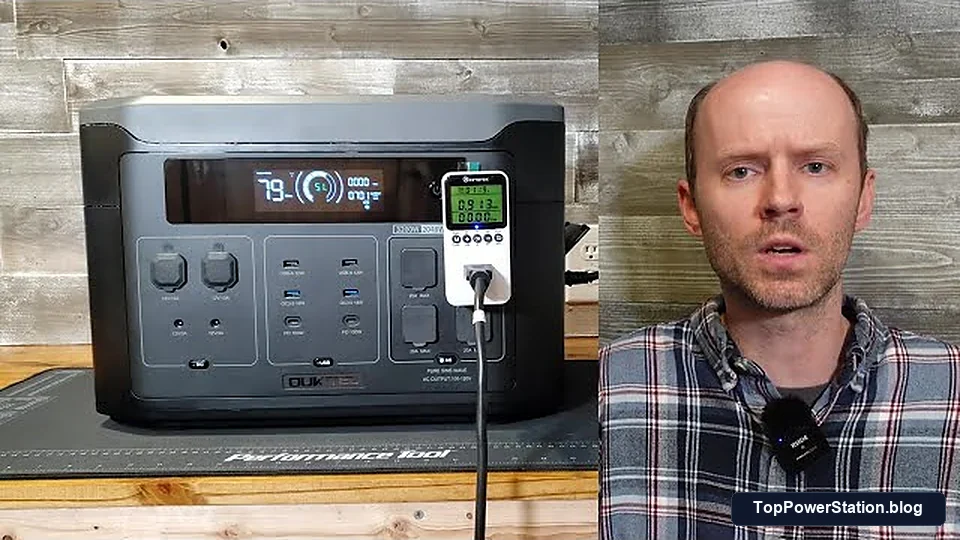
Set your digital multimeter dial to the alternating current voltage symbol. AC voltage measurement requires precise dial positioning to avoid blowing internal meter protection fuses.
Carefully insert the metal probe tips into the hot and neutral slots of the outlet. Avoid touching exposed metal tips with your bare fingers during active testing.
Observe the digital display to confirm whether the output matches regional grid standards. Standard residential output typically ranges between one hundred ten and one hundred twenty volts.
Switch your meter to check ground-to-neutral continuity if you suspect internal wiring faults. A quality unit from our best portable power station for camping list maintains isolation between neutral and chassis ground.
- Confirm AC mode is selected on the meter dial.
- Insert probes gently into standard AC receptacle slots.
- Read stable voltage values after initial display settling.
- Disconnect loads before executing routine diagnostic checks.
Evaluating Pure Sine Wave Outputs
Advanced portable power stations generate pure sine wave electricity for sensitive equipment. True RMS meters are mandatory for capturing accurate voltage values on these advanced inverters.
Standard averaging multimeters will provide inaccurate readings when measuring modified sine wave outputs. Always check specifications to ensure your diagnostic tool matches the generator type.
- Use True RMS multimeters for accurate results.
- Ignore minor display fluctuations on cheap meters.
Video Walkthrough: Introduction to power stations
Assessing Direct Current DC Automotive Sockets
Locate the twelve-volt auxiliary socket on your best portable power station front panel. Direct current testing requires switching your multimeter dial to the DC voltage setting.
Insert the red probe into the center pin of the cigarette lighter style receptacle. The center contact carries positive electrical polarity in standard automotive socket configurations.
Touch the black probe firmly against the outer metallic grounding ring inside the socket. Maintaining steady contact prevents sparking and ensures a reliable voltage reading.
Expect a reading between twelve and thirteen point eight volts from a fully charged unit. Lower voltages indicate a depleted internal battery pack or internal regulator issues.
- Switch multimeter dial to direct current voltage mode.
- Contact the center positive pin with the red probe.
- Touch the outer metallic ring with the black probe.
- Record stable DC measurements for system logging.
Troubleshooting Barrel Port Connectors
Many power stations feature smaller DC barrel ports for specialized camping equipment. Measure inner pin dimensions carefully before attempting to insert standard diagnostic probe tips.
Avoid short-circuiting the inner pin against the outer sleeve with oversized probes. A sudden short can trigger internal overcurrent protection and disable the output port.
- Use ultra-fine probe tips for small barrel ports.
- Verify positive center polarity configurations first.
Verifying USB and Low Voltage DC Ports
Modern power stations include multiple USB ports supporting advanced Power Delivery protocols. USB voltage testing requires specialized breakout adapters or compatible diagnostic USB cables.
Plug a USB power meter directly into the output port you wish to test. Real-time digital displays show exact voltage and amperage delivery without probing risks.
Standard USB ports should display approximately five volts under normal operating conditions. Quick Charge and Power Delivery ports will scale up to higher voltages dynamically.
Verify that voltage drops remain minimal when connecting a moderate electronic load. Excessive voltage sag indicates poor internal regulation or failing USB controller chips.
- Utilize dedicated USB inline diagnostic meters.
- Observe dynamic voltage negotiation on PD ports.
- Check standard five-volt rails for stability.
- Disconnect meters immediately after test completion.
Interpreting USB-C Voltage Negotiation
USB-C ports negotiate voltage levels through dedicated internal communication microchips. Smart diagnostic tools read these handshakes to verify proper protocol support across devices.
Failure to step up voltage indicates a broken negotiation line or incompatible load. Inspect port pins for debris or bent metal contacts causing connection failures.
- Check handshake protocols with smart meters.
- Inspect USB-C ports for physical dust buildup.
Diagnosing Frequency and Waveform Output Accuracy
Alternating current output requires precise frequency stability to protect inductive motor loads. Frequency measurement mode on your multimeter helps verify generator inverter clock accuracy.
Plug your multimeter test leads into the AC outlet while in frequency mode. Stable sixty hertz or fifty hertz readings indicate healthy internal inverter crystal oscillators.
Excessive frequency drift can cause electric motors to overheat and fail prematurely. Use our runtime wh calculator to verify that your power station remains safe for motorized appliances under heavy loads.
Compare your measured frequency against the manufacturer specification sheet provided in your manual. Minor deviations are normal, but large shifts require professional technical servicing.
- Select frequency Hertz mode on advanced multimeters.
- Measure AC outlets to verify stable clock timing.
- Check against regional fifty or sixty hertz standards.
- Record frequency deviations for maintenance logs.
Identifying Harmonic Distortion Issues
Low-quality inverters produce high harmonic distortion that corrupts sensitive audio equipment. Oscilloscope testing provides visual confirmation of clean waveform performance during heavy loads.
Clipping waveforms indicate that the inverter is operating beyond its safe design limits. Reduce connected loads immediately if visual waveform distortion appears on monitors.
- Use oscilloscopes for advanced waveform analysis.
- Watch for flattened peaks on modified sine waves.
Interpreting Tolerance Thresholds and Deviations
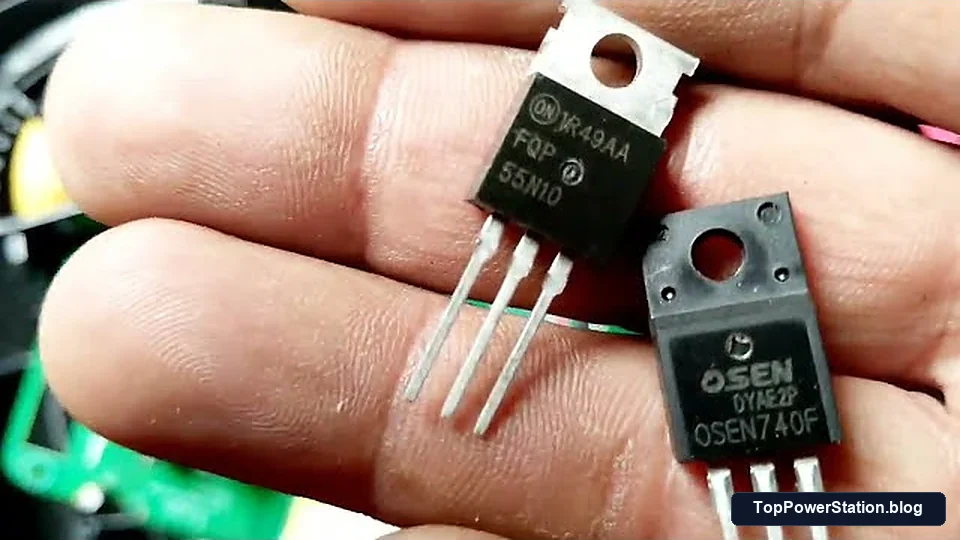
Electrical standards allow for minor voltage fluctuations during normal generator operation. Plus minus ten percent is the typical acceptable tolerance range for portable power stations.
Readings that fall significantly below the nominal threshold indicate failing internal battery cells. Depleted pack voltage limits the inverter ability to maintain stable output levels.
High voltage readings point toward internal voltage regulator calibration drift or damage. Continuing to use an overvoltage power station risks destroying connected electronic appliances.
Document your test results in a maintenance log to track performance over time. Gradual voltage decline helps predict when your power station battery requires replacement.
- Compare results against official manufacturer specifications.
- Identify normal tolerance limits for your unit.
- Flag readings outside acceptable deviation windows.
- Maintain historical records of periodic voltage tests.
Understanding Under-Load Voltage Sag
All power stations experience slight voltage drop when delivering heavy electrical loads. Load testing reveals how well the internal battery management system handles current demand.
Severe voltage sag under light loads indicates high internal resistance within cells. Replace degraded batteries to restore proper power station performance and reliability.
- Apply controlled resistive loads during testing.
- Monitor voltage recovery time after load removal.
Troubleshooting Common Power Station Output Failures
If your multimeter registers zero volts, check all external circuit breakers immediately. Tripped safety breakers frequently disconnect power station outputs during overload events.
Reset any tripped thermal or electronic circuit breakers located on the front panel. Allow the unit to cool down completely before attempting another voltage test.
Inspect internal fuses if external breakers appear functional but outputs remain dead. Blown internal fuses require professional replacement by qualified electrical service technicians.
Verify that the inverter activation button has been pressed firmly into position. Many generators keep AC outputs disabled until manually turned on by the user.
- Check external panel circuit breakers first.
- Reset tripped overload protection switches safely.
- Inspect internal fuses for thermal damage.
- Ensure inverter output buttons are fully engaged.
Resolving Persistent No-Power Conditions
Persistent zero voltage output points toward severe internal component hardware failure. Disconnect all devices and contact customer support for warranty evaluation procedures.
Never attempt to open high-voltage inverter compartments without professional electrical training. Stored capacitor energy poses lethal shock hazards even when unplugged.
- Stop testing if internal burning smells occur.
- Contact certified technicians for internal repairs.
Frequently Asked Questions
What multimeter setting should I use to test AC outlets?
Always set your digital multimeter dial to the alternating current voltage symbol. Verify True RMS capabilities to ensure accurate readings on modern pure sine wave inverters.
Why is my power station showing lower voltage than expected?
Low voltage readings usually indicate a depleted internal battery pack or heavy load sag. Recharge the unit fully before performing your diagnostic voltage tests again.
Can I test USB output ports with standard metal multimeter probes?
Standard probes are too large and risk shorting delicate internal USB connector pins. Use a specialized USB meter to safely measure voltage and amperage delivery.
Is it safe to test output voltage while appliances are plugged in?
Testing under load helps reveal voltage sag and real-world performance metrics accurately. Keep loads within limits to prevent accidental short circuits during probing.
What should I do if my power station outputs zero voltage?
Check all external circuit breakers and ensure the inverter switch is activated. Reset tripped breakers and consult professional support if the internal failure persists.